Google reCAPTCHA V3

Google reCAPTCHA is a free service from Google that protects websites from spam and abuse by distinguishing human users from automated bots. Our forms integrate reCAPTCHA v2 and reCAPTCHA v3 to prevent bots from automatically sabotaging your site. To integrate reCAPTCHA v3 into a form, follow these steps:

Step 1: Go to Google reCAPTCHA to generate the key.

Step 2: Enter the keys just created at: Dashboard -> WP Form Builder -> Settings -> Integrations -> Google reCAPTCHA V3.

Enter google reCAPTCHA key

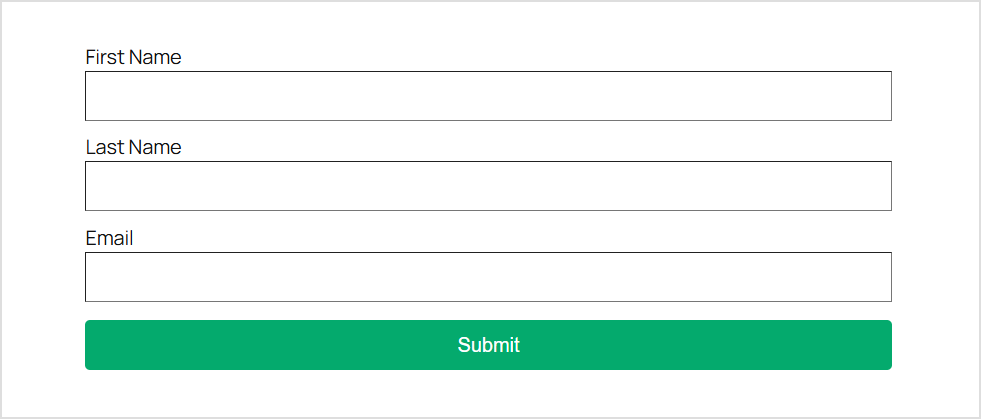
Step 3: Create forms with necessary information.

Create Forms

Step 4: Select the Google reCAPTCHA section to conduct the integration.

Google reCAPTCHA section
  • Enable: Agree to activate reCaptcha V3.
  • Set reCaptcha score: Set the score level to evaluate behavior that passes reCaptcha V3. The score will be evaluated from 0.0 to 1.0, the default is 0.5
  • Hide reCaptcha badge: Hide the reCaptcha V3 badge.
  • Error verifying message: Error message when reCaptcha V3 verification fails.